Step 1 — Design Files and Requirements
The project brief checklist covers the useful inputs: a layered PSD, flattened preview, design-tool share link or folder of pages; the number of unique layouts; static HTML or WordPress; any deadline; and unusual requirements such as animations or third-party integrations.
Step 2 — Scope, Price and Schedule
A design review establishes a fixed price, delivery date and any clarifying questions. The scope should itemize what is included and flag disproportionately expensive features, such as complex animation or unusual typography behavior.
Step 3 — File Review and Kickoff
Once you approve the quote, we do a structured pass through the final design files: fonts identified and licensing confirmed, image assets located, interactive states found or queried, breakpoint behavior agreed. This thirty-minute discipline prevents ninety percent of mid-project questions. If states are missing — hover styles, error states, mobile navigation — we propose them for your sign-off rather than inventing them silently.
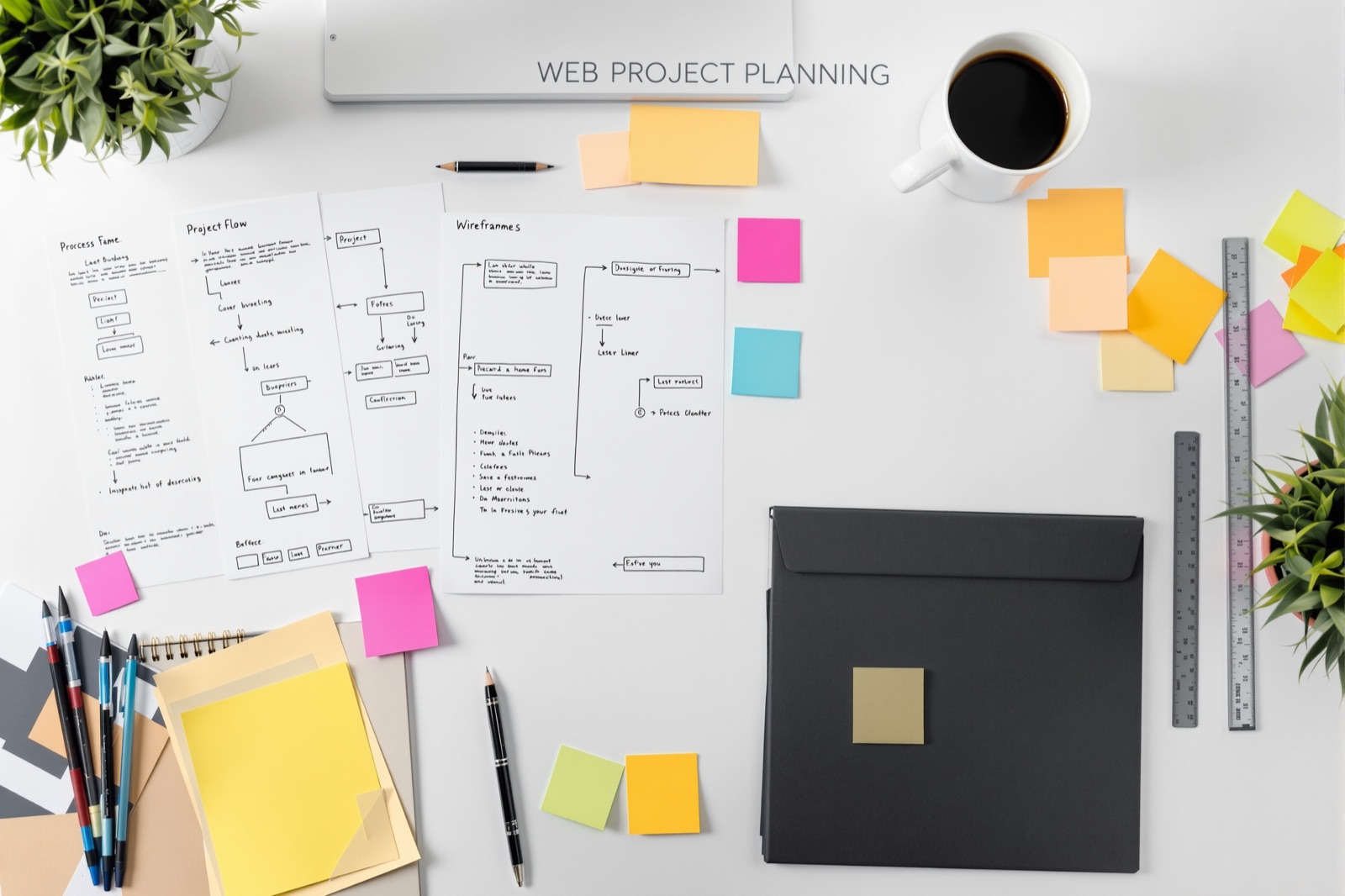
Step 4 — The Build
A front-end developer hand-codes the project: semantic HTML first, then layout CSS mobile-first, then behavior. For WordPress projects the approved static build is templated into a theme as a second stage. You can request a work-in-progress link at any point — most clients check in once around the midpoint. We never disappear into a black box.
Step 5 — Internal QA
Before you see anything called 'done', the build passes our checklist: pixel-overlay comparison against the design, W3C validation, cross-browser testing on Chrome, Firefox, Safari and Edge, real-device mobile testing, keyboard navigation, images-disabled and JavaScript-disabled sanity checks, and a performance pass against the Core Web Vitals thresholds documented on web.dev. The checklist is the same for a one-page build as for a forty-template theme.
Step 6 — Your Review and Delivery
You receive a staging link and click through everything. Accuracy fixes — anywhere the build deviates from the approved design — are free and always will be. Change requests beyond the approved design are quoted separately and honestly labeled as such; clients tell us this distinction alone is why they keep coming back. After approval you receive the complete, organized source package, and the staging link stays live for thirty days as a reference.
How We Communicate During a Build
One named developer, one thread, no ticket portal. You get a short progress note at the milestones that matter — kickoff complete, midpoint staging link, QA passed — and an honest immediate flag if anything threatens the date. We work async by default because our clients span time zones, but we are happy to jump on a call when a question is faster spoken than written. What you will never get is silence followed by a surprise.
What We Need from You
Projects move fastest when design files arrive organized — named layers, included fonts, real content where possible. We wrote a practical guide on this: how to prepare your PSD for conversion. Five minutes of preparation on your side routinely saves a day of back-and-forth.
Ready When You Are
Use the project brief checklist to define the design and requirements. The FAQ covers common questions about revisions, licensing and delivery.